
Open Access and go to the file tab and Options. 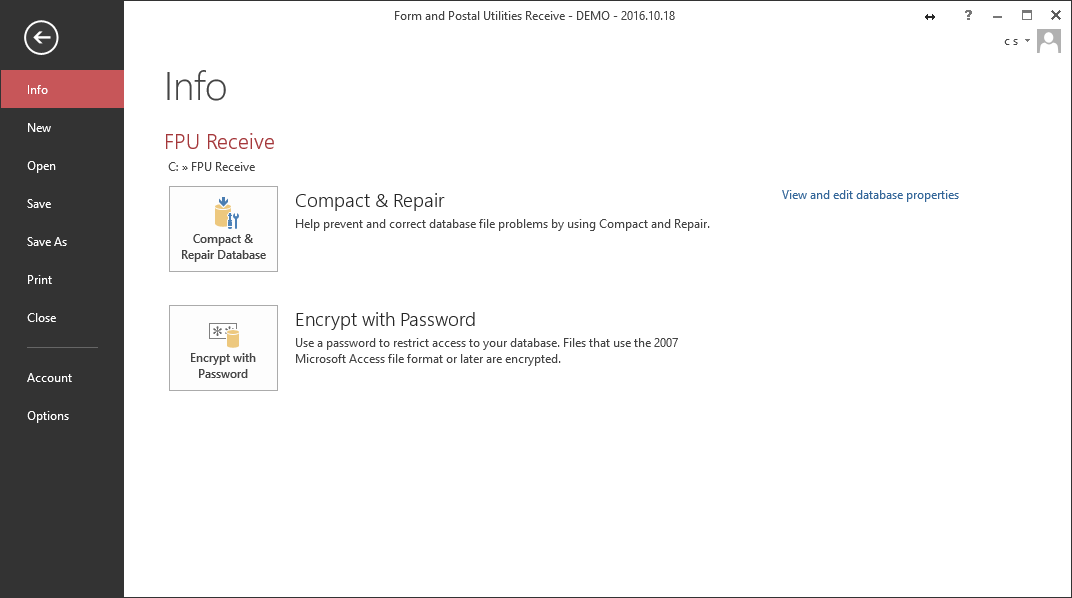
In Options go to the Trust Center
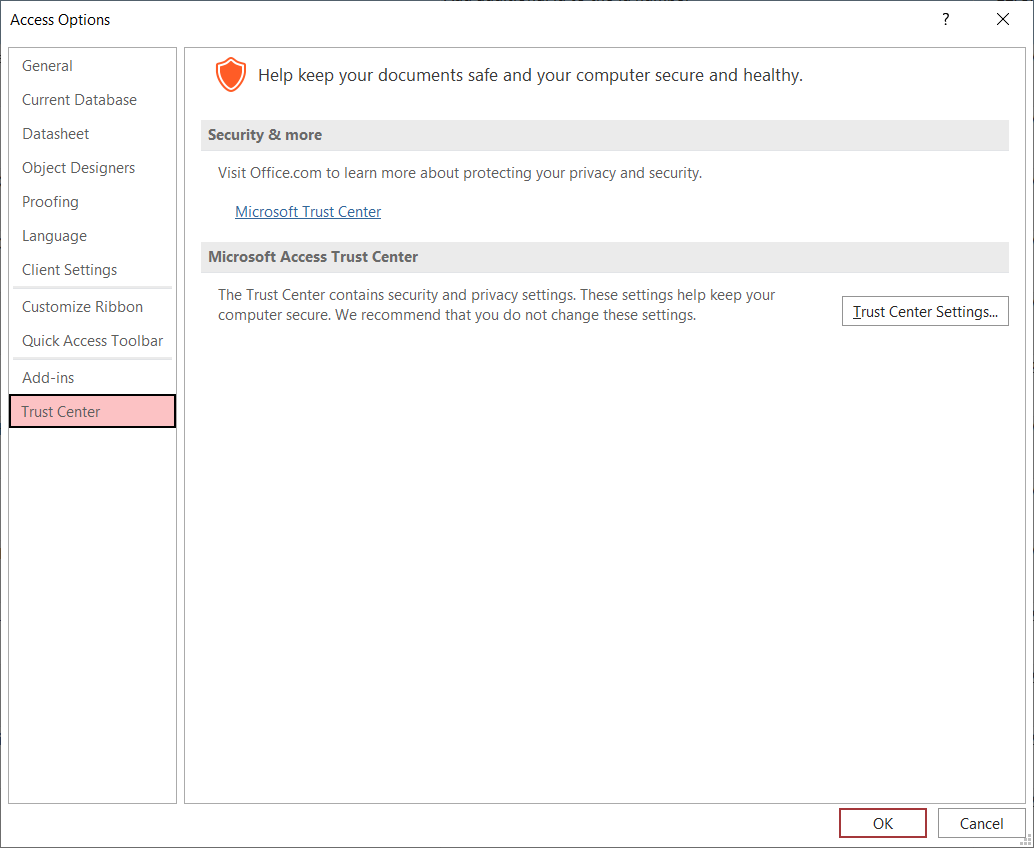
Open the Trust Center Settings
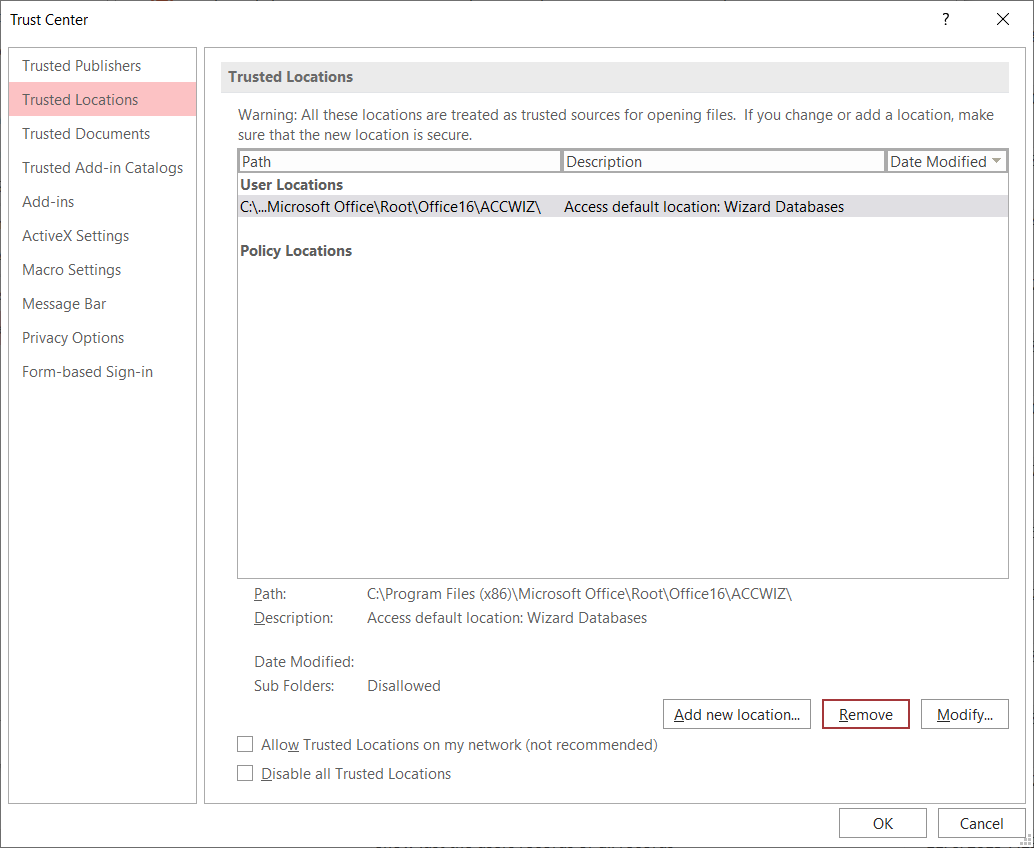
Select Add new location
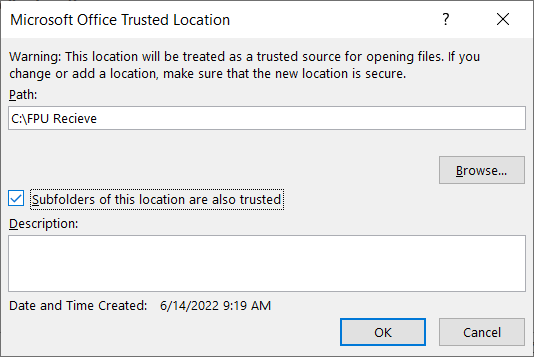
Type C:\FPU Recieve into the Path field and check the “Subfolder of this location are also trusted” box, then click OK.